Frames
A Frame gives images and embeds consistent presentation: a quiet border, breathing room, and an optional caption. Its best trick is invisible: a declared ratio reserves the space before the media loads, so the page cannot shift.
A framed diagram
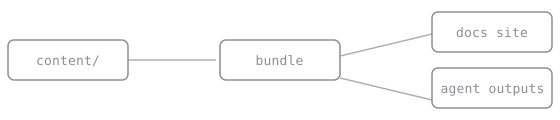
The image above is a co-located asset: it lives next to this page's source file and is published automatically, no mount required.
Usage
<Frame caption="The dashboard after a successful deploy." ratio="16/9">

</Frame>Props
| Prop | Type | Effect |
|---|---|---|
caption |
string | A caption below the media, set in the metadata style |
ratio |
string | An aspect ratio like 16/9; reserves the space before load, so zero layout shift |